The $0 Software Stack To Run Your Entire Business
Whether you choose to apply this or not, let this serve as a demo to show that anyone can start a business today with little to no upfront investement

Hey friends!
What if I told you that the tools running a six-figure business could cost you absolutely nothing?
Hear me out — because the free tier of today’s AI tools is genuinely more powerful than the paid software most businesses were running on just three years ago.
This is the $0 stack I’d build if I was starting from scratch tomorrow. There are new AI-powered tools popping up everyday so I’d definitely look to implement some of those where relevant too (comment below if you want me to compile a list).
For the sake of this article, I’ll keep it simple.
Why Most People Overpay for Software
Picture this: you’re a new entrepreneur, excited to build something. You open your laptop, start googling “tools for my business,” and thirty minutes later you’ve accidentally signed up for $400/month in subscriptions before you’ve made any revenue.
The software industry has conditioned us to believe that paid = professional and free = amateur. That’s a lie fabricated to extract money from people who don’t know better.
The truth is that free tiers have gotten insanely good, because AI companies are in a land grab right now. They want your attention, your data, your loyalty and they’re willing to give you real value to get it.
Use that window while it’s open.
1. Claude (Free Tier) — Your Chief of Staff
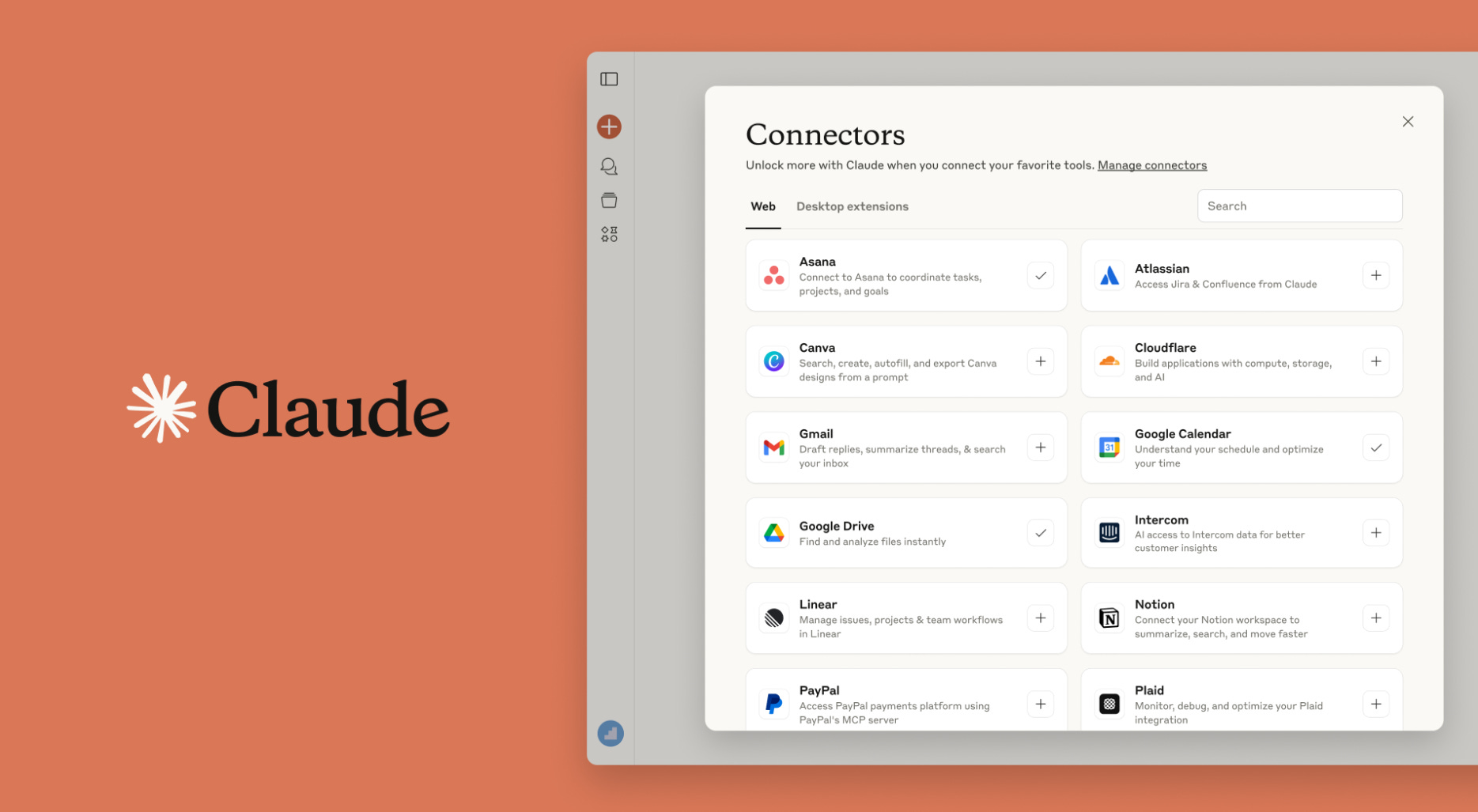
Replaces: A copywriter ($500–$5,000/month), a strategist ($200+/hour), a research assistant
The best way to use it is to open the voice note, dump your raw thoughts on your goals, current situation, any concerns or ideas you have. Ask it to interview you for best results. Then make it give you a step-by-step action plan.
Every time you get new information or ideas, update Claude.
New features for this AI are being shipped daily at the moment, the newest being Connectors (connect any apps including Figma, Slack, Sheets) which are available on this free plan.
Top tips:
Use it for long-form thinking — strategy docs, business plans, proposal drafts
Feed it context (your brand voice, audience, goals) at the start of every session
Use it to pressure-test your ideas — “What’s the strongest argument against this approach?”
Generate first drafts fast, then edit yourself — don’t try to get perfection in one prompt
2. ChatGPT (Free Tier) — Your Brainstorm Partner

Replaces: Ideation sessions with expensive consultants, content calendars from social media agencies
ChatGPT and Claude are different tools with different strengths. ChatGPT’s free tier (GPT-4o mini access + limited GPT-4o) is excellent for rapid-fire brainstorming, variation generation and creative exploration.
If you need 30 content ideas for next month, give it your niche and audience, then ask for ideas across five formats. You get your 30 ideas in 60 seconds, pick 8. Refine, then use Claude Sonnet for the highest quality copywriting.
Top tips:
High-volume generation tasks (titles, hooks, subject lines — in bulk)
Rewriting and variation — “Give me 10 different ways to say this”
Persona-based feedback — “Review this landing page as a skeptical 35-year-old professional”
Quick research synthesis — paste an article, ask for the three key takeaways
In short, use Claude for depth, use ChatGPT for breadth. Together they cover 90% of what a content team does.
3. Google Sheets + Google Slides — Your Business Command Center
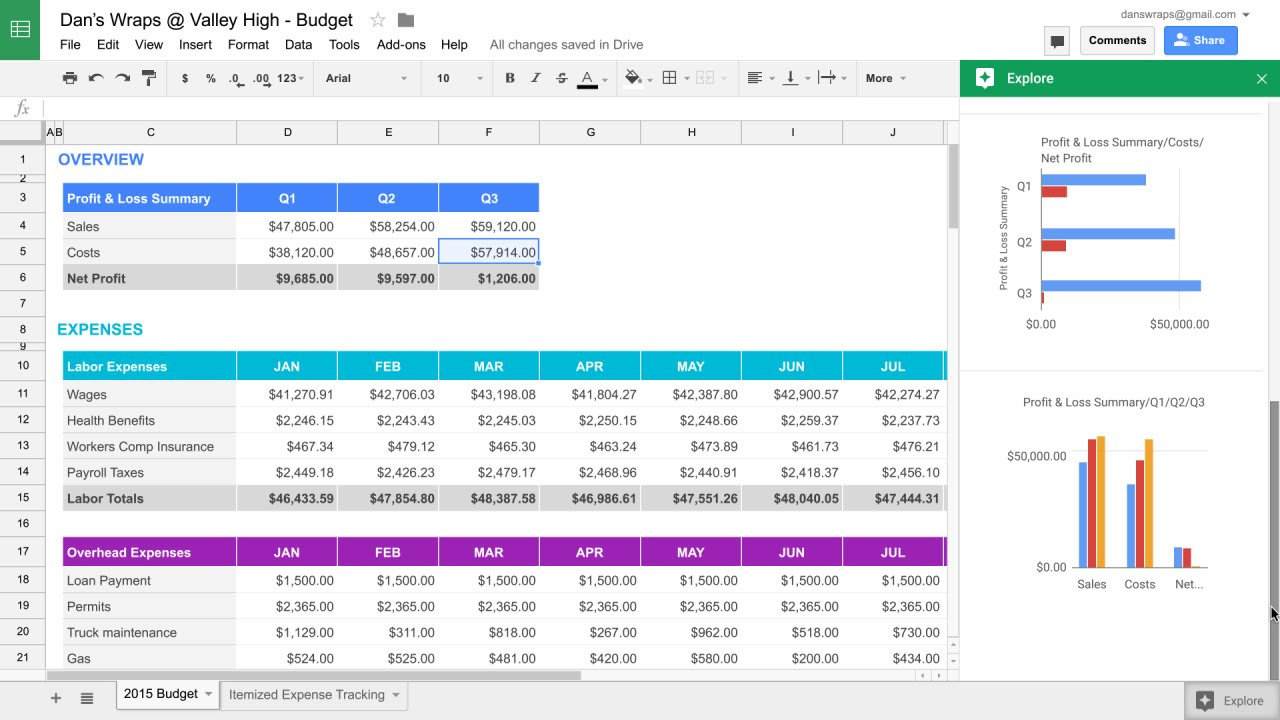
Replaces: Excel ($160/year), PowerPoint ($160/year), Airtable ($200+/year), analytics dashboards
Most people sleep on how powerful Google’s free suite actually is. Sheets can be used to host your databases, CRM, financial model and content tracker. Slides is a presentation tool good enough for investor decks and client proposals. I use these for my own businesses!
Imagine you’re tracking leads, content performance, revenue, and expenses — all in separate paid tools. Now imagine doing all of that in four connected Google Sheets tabs. For free. Forever.
What to build in Google Sheets:
Content calendar (dates, platforms, status, links)
CRM (name, company, last contact, next action, deal stage)
Revenue tracker (monthly income, expenses, net profit)
KPI dashboard (follower counts, email subscribers, conversion rates)
What to build in Google Slides:
Client-facing proposals and decks
Pitch decks (yes, investors accept Google Slides)
Media kits for brand deals
4. Canva Free — Your Design Department
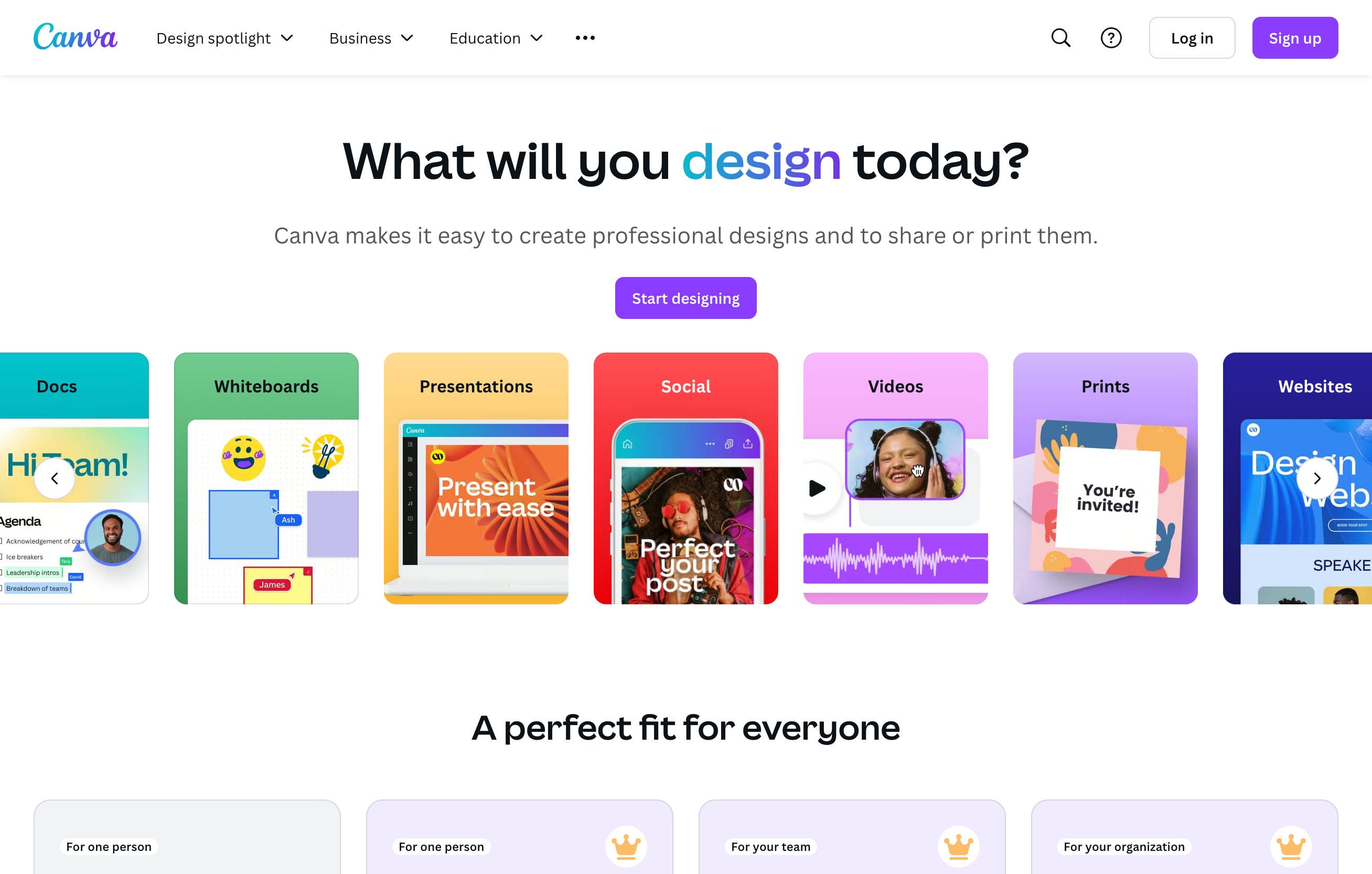
Replaces: Adobe Creative Suite ($60/month), a freelance graphic designer ($50–$200 per post)
Canva’s free tier is one of the most generous in the industry. Thousands of templates, a brand kit (limited on free, but workable). Social graphics, presentations, thumbnails, lead magnets, carousels, you can really design anything you want here.
What to create in Canva:
Social media graphics (all platforms, all sizes)
YouTube thumbnails
Email header images
Basic lead magnets and PDF guides
Story templates you reuse every week
The workflow: Create a few core templates once. Save them. Reuse and update forever. This is how you look like you have a design team when it’s just you.
5. Later (Free Tier) — Your Social Media Scheduler
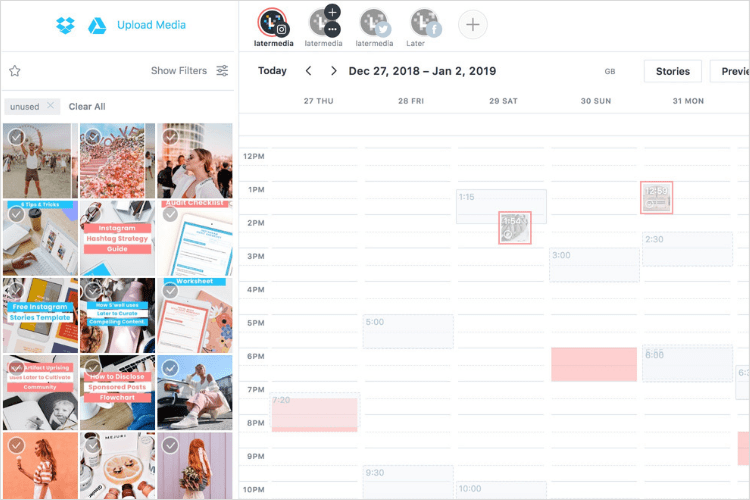
Replaces: Hootsuite ($100+/month), Buffer paid plans ($18–$120/month), a social media manager
The free tier lets you schedule posts to Instagram, TikTok, YouTube, Pinterest and more. The limit on free is around 30 posts per month per platform, which is enough if you’re posting once a day or less. I’m using Later myself for all my scheduling.
Top tips:
Batch your content weekly, have dedicated filming/writing days
Use Claude to write your captions, then paste them into Later
Schedule at your audience’s peak engagement times
Leave flexibility for real-time, spontaneous content (this style often performs best)
The system: Plan → Create (Claude + Canva) → Schedule (Later) → Analyze (Google Sheets). That’s covers your entire content operation, for free!
6. Zapier Free Tier — Your Automation Engine
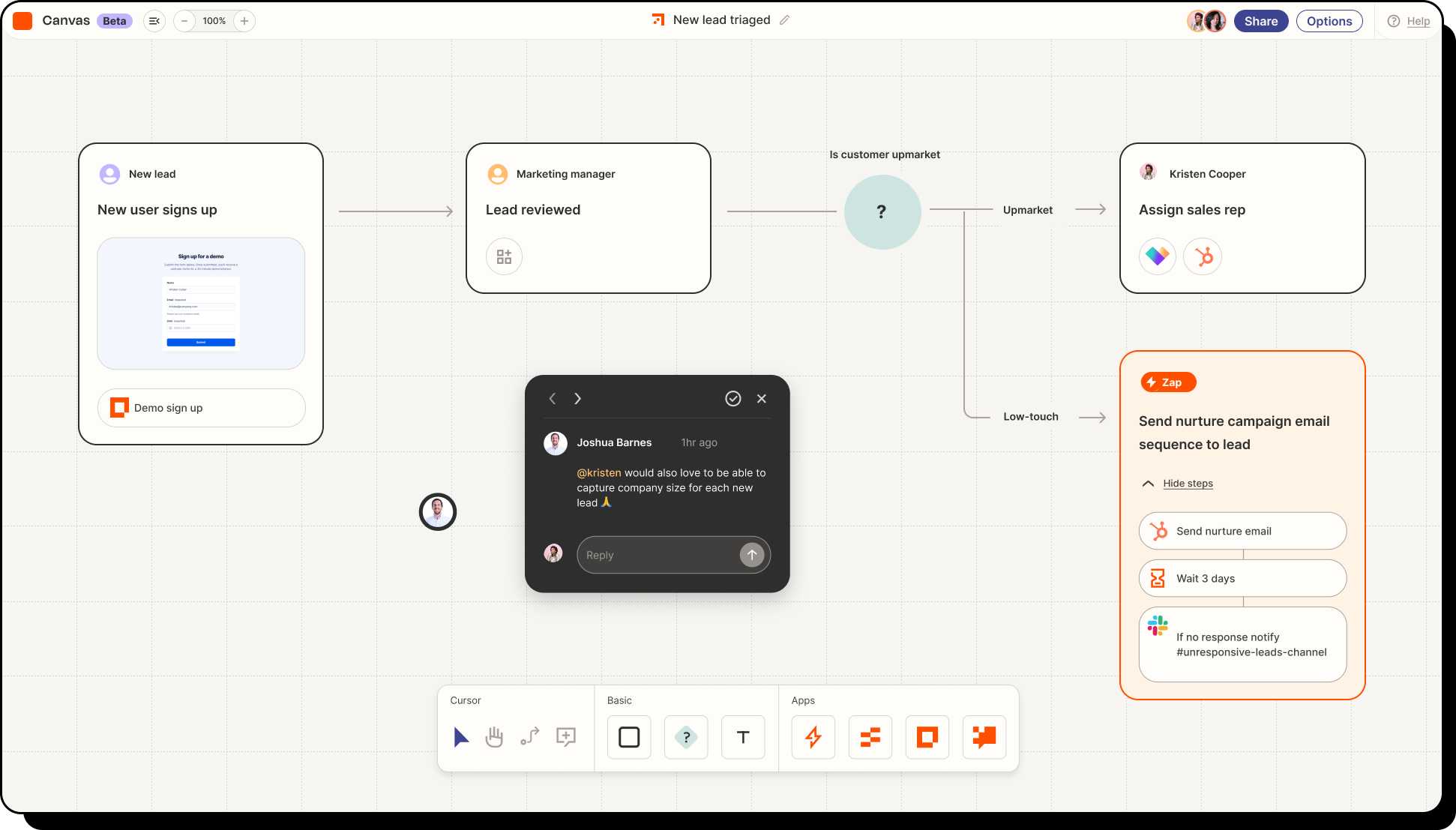
Replaces: A VA for repetitive tasks ($15–$30/hour), Make paid plans, custom integrations
The free tier gives you 100 tasks/month and single-step Zaps, which sounds limited until you realize how much you can do with well-designed single-step automations.
For example, very time someone fills out your contact form via a website, it automatically creates a row in your Google Sheet CRM, sends them a welcome email, and notifies you on your phone. You set it up once and it runs forever without your human involvement.
What you can automate:
Form → CRM: New form submission → new row in Google Sheets
Email → Task: New email with keyword → flagged task in Notion
Social → Log: New post published → log entry in your content tracker
Payment → Notification: New sale → Slack/email notification to you
The Honest Caveat
Free tiers have limits.
At some point — when you’re making real money — you’ll need to upgrade specific tools.
Until then, now you know you don’t need money to build systems or to start that business.
The ones winning right now aren’t the ones with the best software. They’re the ones who actually use what’s already available.
Stay blessed!
~ Elisa
All the great tools in one place 👍